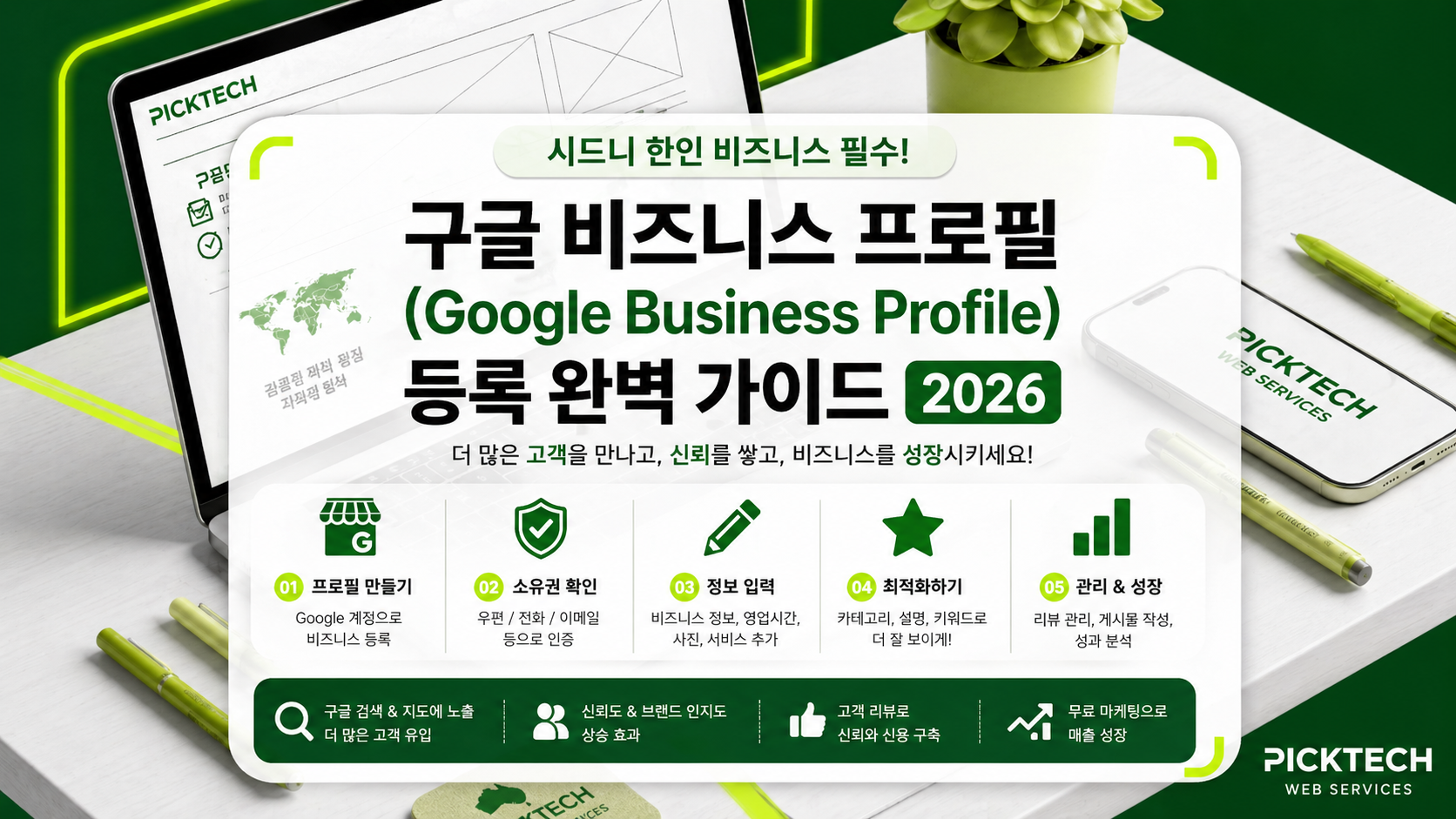
If you run a Korean restaurant, café, hair salon, nail salon, clinic, or tutoring centre in Sydney, you've probably wondered: "Why doesn't my business show up on Google Maps?"
The answer is almost always the same — your Google Business Profile (formerly Google My Business) is either not set up, or it's set up but poorly optimised.
This guide walks you through everything Korean-owned businesses in Sydney need to do to rank on Google Search and Google Maps — completely free.
1. Why Google Business Profile Matters for Korean Businesses
Around 86% of Australian consumers Google a business before visiting it. When someone searches "Korean restaurant Sydney", "Strathfield hair salon", or "Korean BBQ near me", the
Local 3-Pack (top 3 results with the map) gets the lion's share of clicks. If you're not in there, you're effectively losing more than half of your potential walk-in customers.
Korean-owned businesses in Australia have an extra layer of complexity:
- You need to attract both Korean-speaking and local Australian customers
- KakaoTalk and Naver Place don't reach Sydney locals
- Facebook/Instagram traffic has lower purchase intent than Google
2. Pre-Setup Checklist
Before you start, prepare:
- A Google account (a dedicated business Gmail is recommended)
- Your ABN (Australian Business Number)
- Your exact street address (including unit/shop number)
- An Australian mobile number for verification
- Trading hours (including public holiday hours)
- 5 exterior photos, 5 interior photos, 10+ menu/service photos
- A square logo (720x720px or larger)
3. Step-by-Step Setup
Step 1. Search and Claim
- Go to google.com/business
- Click "Manage now" and search for your business name
- If found, click "Claim this business"
- If not found, click "Add your business to Google"
Step 2. Enter Business Details
- Business name: Use exactly what's on your signage. Never stuff keywords — this gets you suspended.
- Category: Pick the most accurate primary category (e.g.
Korean Restaurant,Hair Salon,Nail Salon) - Location: Enter exact address if you have a storefront, or service areas if you're mobile
- Contact: Australian number (02 or 04 prefix)
- Website: Your business website URL
Step 3. Address Verification (The Critical Step)
Google requires verification to prevent fake listings. As of 2026, your options are:
| Method | Time | Notes |
|---|---|---|
| Postcard | 7–14 days | Most common, 5-digit code |
| Video | Instant–5 days | Film exterior, interior, and proof documents |
| Phone/SMS | Instant | Some categories only |
| Instant | If domain matches |
Tip: Video verification is the fastest. Film in one continuous take: signage → entrance → interior → you operating the business → ABN certificate or lease agreement.
4. 7 Optimisation Essentials
Don't stop at registration. Fill these out properly:
- Use up to 10 categories — primary + secondary
- Add Services/Menu items — with prices, descriptions, photos
- Upload at least 1 new photo per week — signals an active profile
- Tick all relevant Attributes —
Korean spoken,Wheelchair accessible,Free Wi-Fi - Pre-load Q&As — answer common questions before customers ask
- Use Posts weekly — new menu items, promotions, events
- Add UTM tracking — append
?utm_source=gbpto your website URL to track GBP traffic in Google Analytics
5. Review Management — Keeping a 4.5+ Rating
Reviews are half of local SEO. Star rating, review count, and review keywords all directly affect ranking.
- Aim for 10 reviews in the first 30 days (start with regulars)
- Use QR codes on receipts to make leaving reviews effortless
- Reply to every review within 24 hours — especially negative ones
- Reply to Korean reviews in both Korean and English so Australian readers can follow
- Never buy fake reviews — Google's AI catches them and suspends profiles
Negative Review Response Template
Hi [Name], thank you for your feedback and we're sincerely sorry for the experience. We've shared your comments with our team and will work to improve. If you're open to it, please call
us directly on 04xx-xxx-xxx — we'd genuinely like to make this right.
6. The 5 Most Common Mistakes
- Stuffing keywords into the business name (e.g. "Kim's BBQ Sydney Best Korean Restaurant") — instant suspension
- Creating duplicate listings — one location = one profile
- Skipping verification — unverified profiles barely show up
- Not updating photos for 6 months — Google may flag you as closed
- Forgetting to update after relocating — update within a month
7. FAQ
Q. Can I register without an ABN?
A. Technically yes, but during video verification you'll need to prove the business is real with other documents (lease, license). If you operate in Australia, get an ABN.
Q. Can home-based or mobile services register?
A. Yes. Choose "I deliver goods and services to my customers" and define your service area (e.g. Sydney Metro). Your home address can stay private.
Q. How long until I appear in search?
A. Usually 3–14 days after verification. Reaching the Local 3-Pack takes 1–3 months depending on optimisation.
Q. Can I register a Korea-based business with a Sydney listing?
A. No. You must physically operate in or service the Sydney area.
8. What's Next
Google Business Profile is just the starting line. Next steps:
- On-site SEO (location keywords + schema markup)
- Google Search Console to see what people actually search to find you
- Backlinks from Korean-Australian directories, local press, industry bodies
- Page speed under 3 seconds on mobile
PICKTECH specialises in websites and SEO for Korean businesses in Sydney. We can handle Google Business Profile setup and full website SEO together. Reach out via the contact
page for a free SEO audit.